On Pro
Let your customers order from their phone
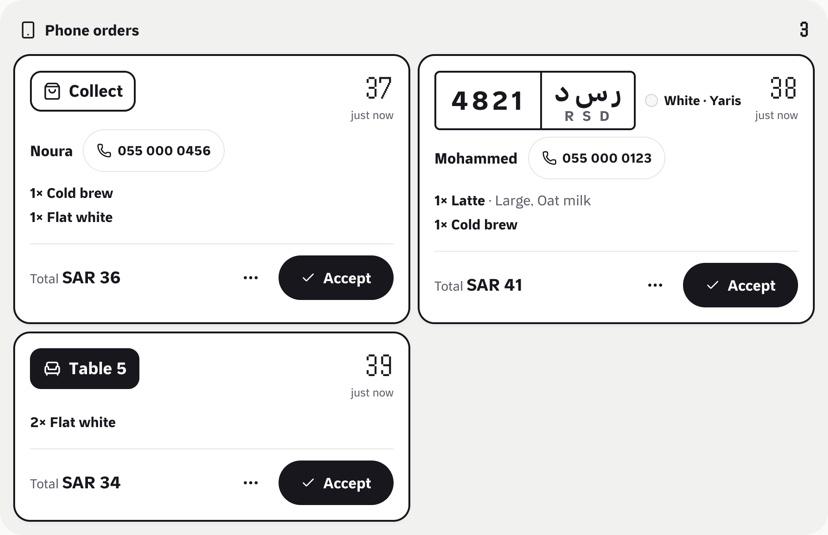
They open your link or scan the code, pick from the menu and send. The order lands on your Orders board; they collect it, or you take it to their car or their table.
Mobile orders
Your customer orders from your menu on their phone: they collect it, or you take it to their car or their table.
- Collect
- Car
- Table
- Their phone rings when you head out.
- Pingloy AI builds your menu from a photo of the paper one, free.
Collect
They order ahead from your link on Instagram or Google Maps. When it's ready their phone rings and they come for it.
From the car
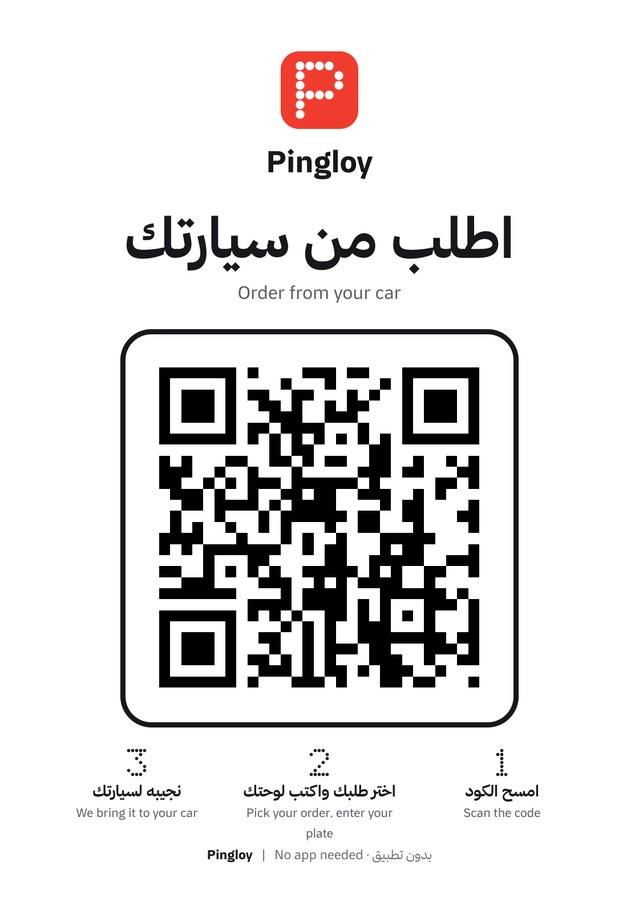
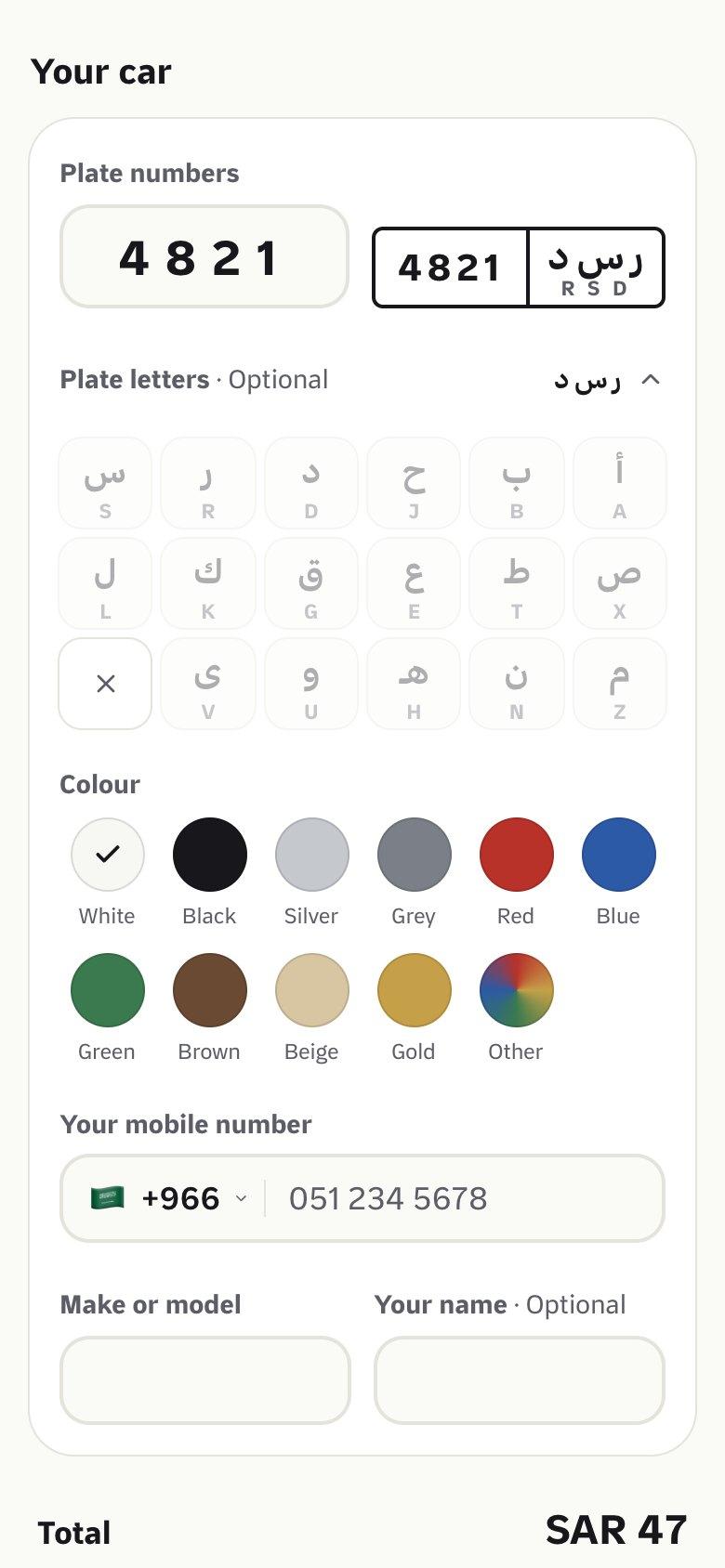
They scan the parking sign and enter their plate. When it's ready you take it out, with the card machine.
From the table
A code on every table: they scan it and order, and you take it over.
Screens from Pingloy
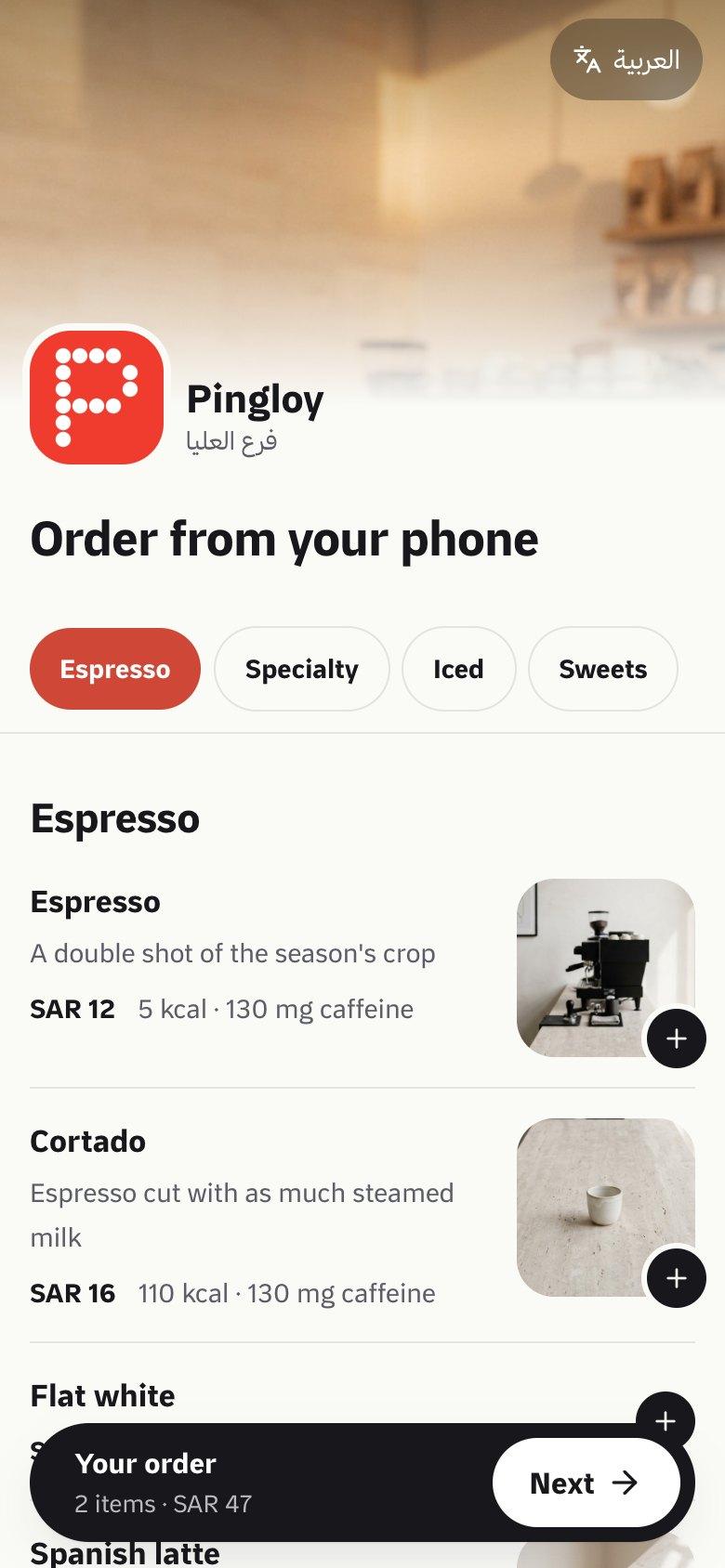
They order from your menu
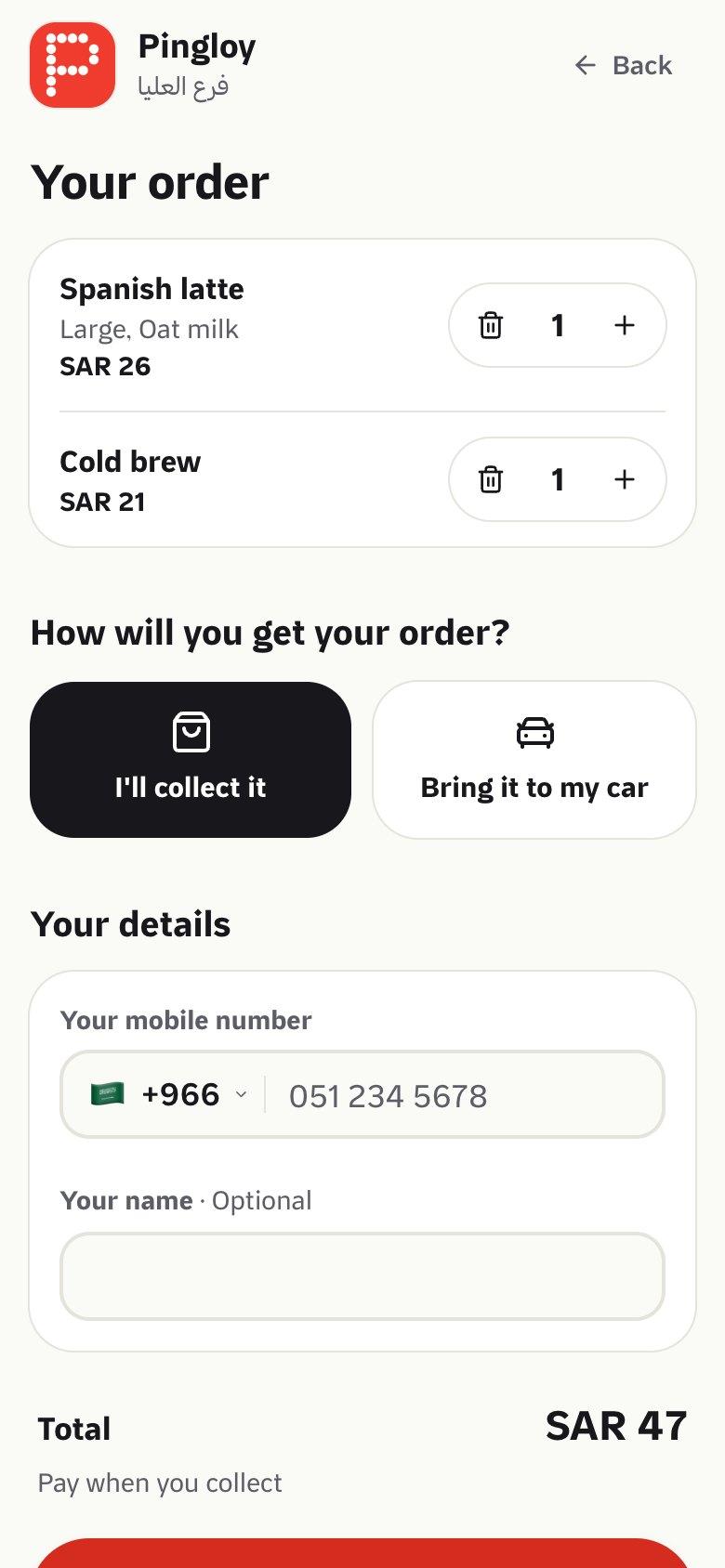
They pick how they get it
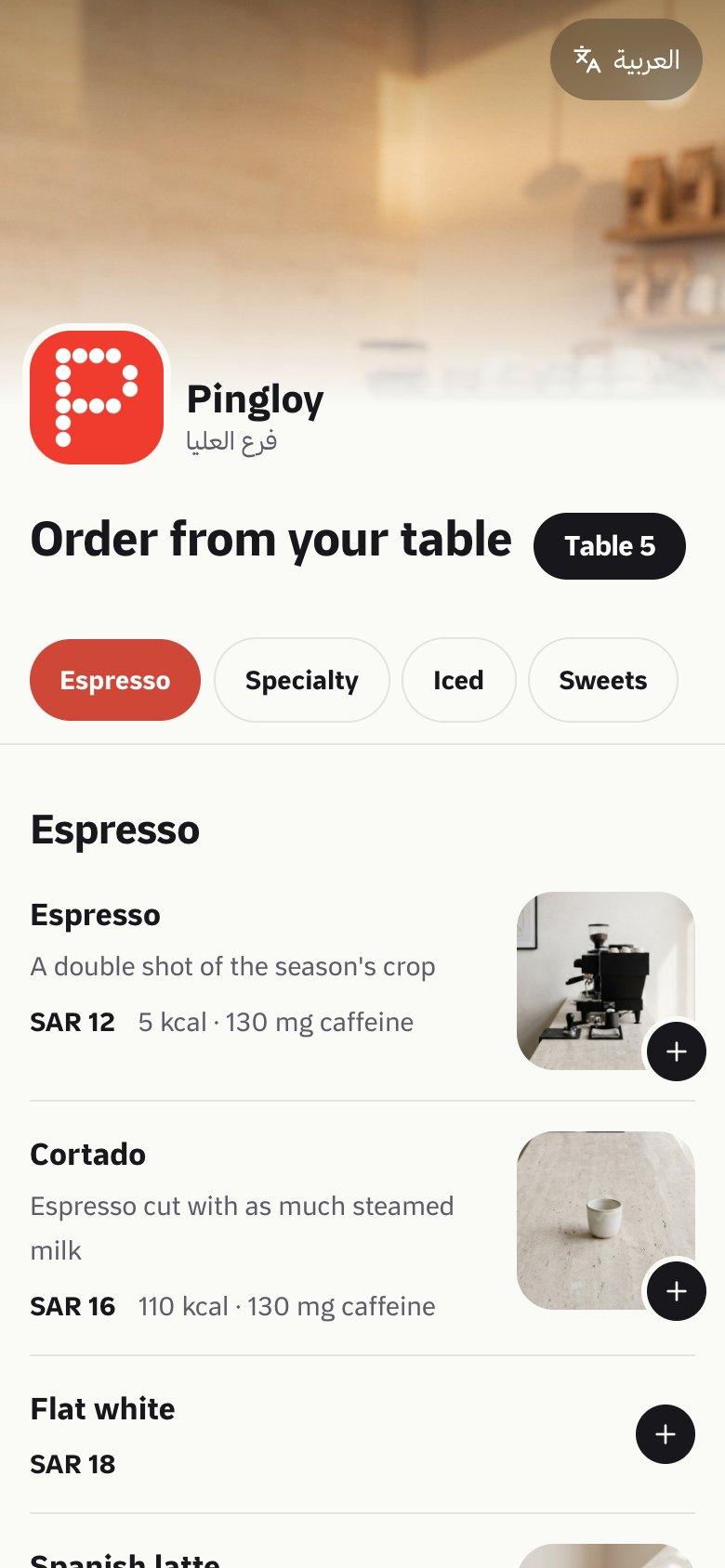
And from their table, with its code
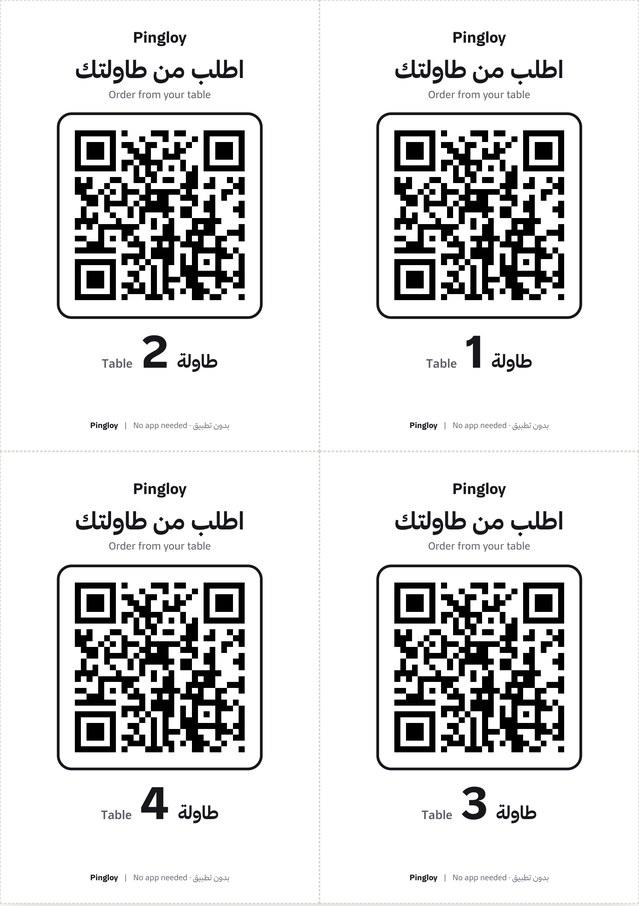
And table codes you print once
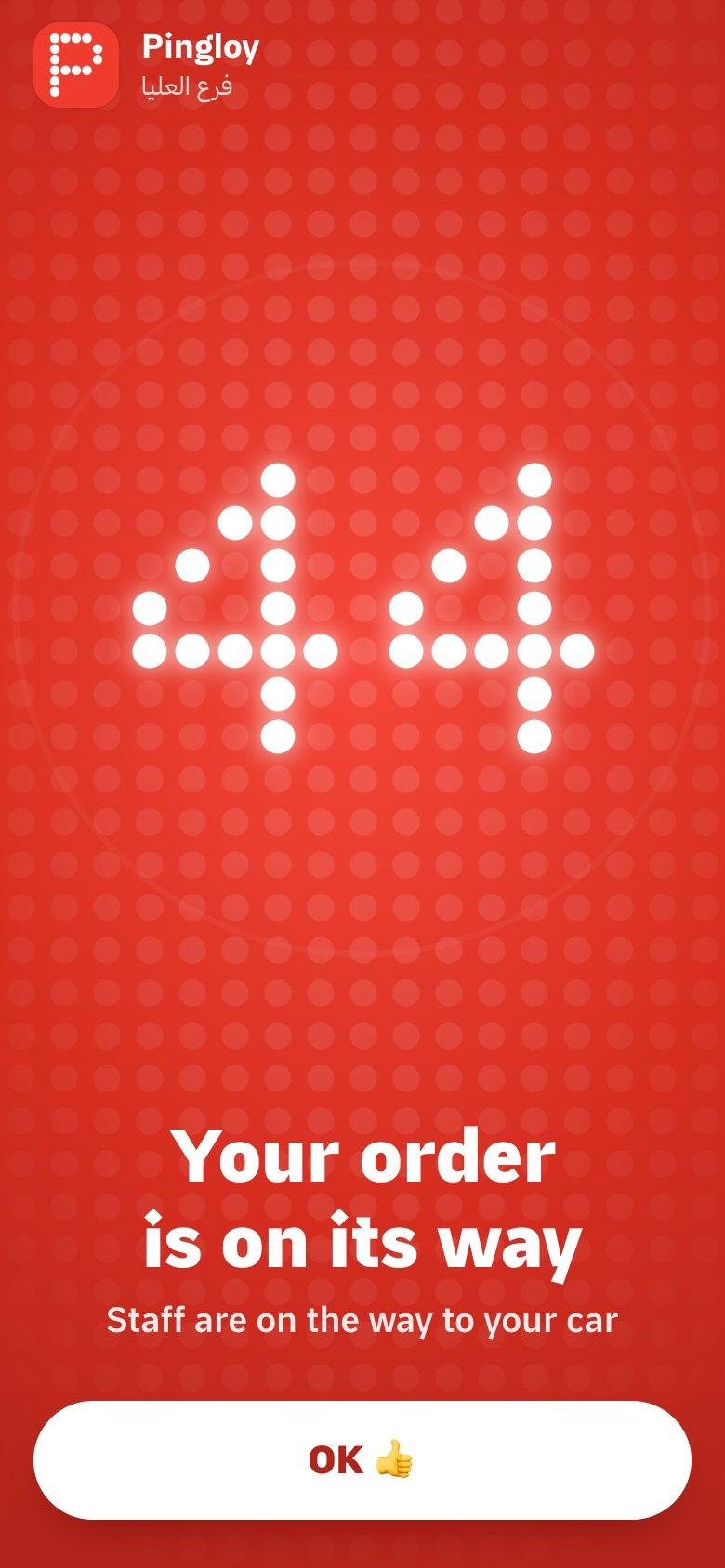
Their phone rings when you head out
How it works
Turn on what suits you
On the Features page: collect, car, table. Each has its own switch.
They order and send
They pick from the menu, or write their order, and send it from their phone.
Accept it and make it
Tap “Accept”, then “Ready”, and charge them at handover.
Common questions
Does it work with my POS?
Yes, with any POS: the order reaches you in Pingloy, and you ring it up on your own like any order.
How does the customer pay?
With you at handover: at the counter, at their car, or at their table.
What if someone orders and doesn't come?
Anyone ordering from outside proves their mobile number with a code the first time; it shows with the order and you call them in a tap. And nothing is made until you tap “Accept”.
Do I have to turn on all three?
No. Each has its own switch: turn on what suits your venue.
What if we're busy or closed?
Set your order hours and they stop by themselves when you close. In a rush, pause them from Orders in a tap.
Can I try it before I subscribe?
Yes, free for 14 days.
Try it today
Turn it on from the Features page, and the first mobile order lands on your Orders board.
More than one branch? Book a demo